
My current “run” of using iTunes began at the beginning of the pandemic. I bought a new computer that had a ton more storage space, and one project I wanted to do was finally organize my music properly. I looked at the options available, and found iTunes to be the one most compatible with the way I wanted it done. Smart Playlists became the main driver of this.
I detailed this approach in another blog post (How I Streamed and Selected Music in 2022) and wrote about the tool I used to make rating fast and easy (Rating iTunes Songs in the background with iTunesKeys).
One thing I didn’t talk about was how I got music into iTunes. I had an old library of music on a hard drive, and I imported those tracks. Then, I signed up for Apple Music, so I could access the entire catalogue. Then, I used Soundiiz to convert my “liked” list of songs in Spotify to an iTunes playlist. Because none of these songs had ratings, I created a set of filtered smart playlists (noted in the post earlier). Then, I got to work.
Three years later, a playlist that began with seven thousand songs finally has zero.
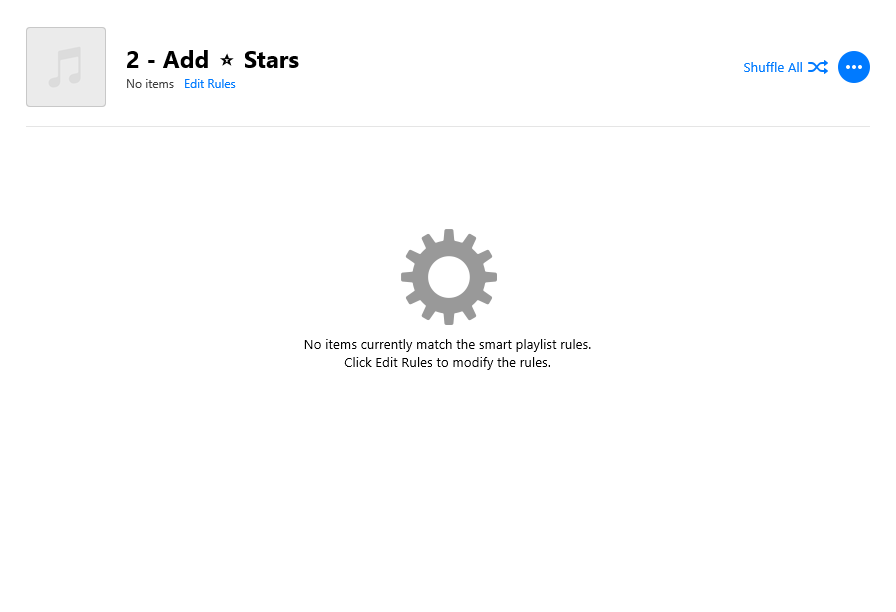
This is a short space in time. I know that in the future, my music collection will become disorganized again, and perhaps I’ll grow out of it and treat music more like the streaming future it wants to be. But for right now, just right now, it’s exactly how I want it.
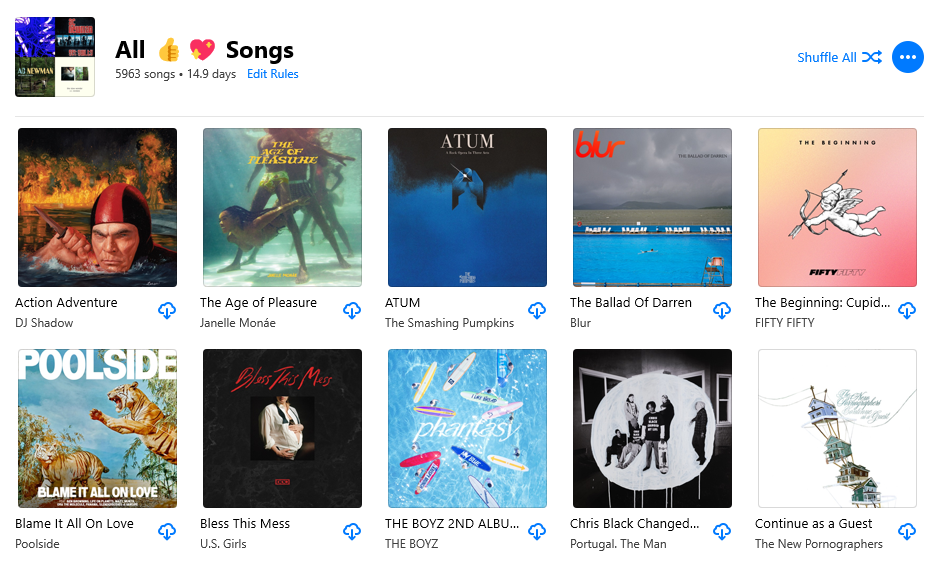
Now that this project is over, I’m going to uninstall iTunes, free up that space on my computer, and use Apple Music exclusively for my library. iTunes has been effectively “dead” since 2015, and they don’t update anything about it anymore. Apple Music, however, has been getting lots of new features, even on Windows. Now that this project is done, I feel I can finally move on.

Leave a comment