
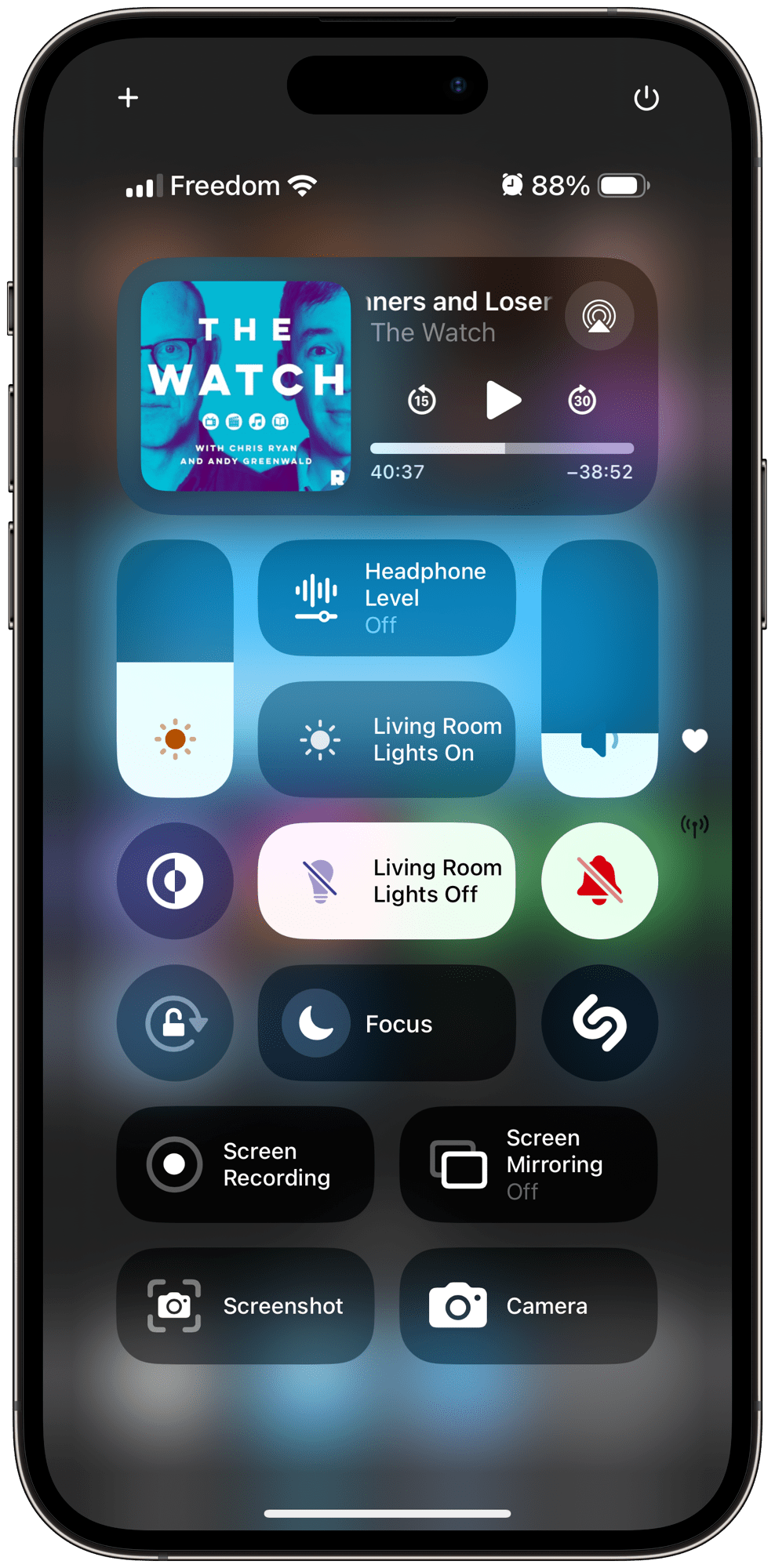
Most of the time when I take a screenshot on iOS, I do these things:
- press the home and volume up button
- tap on the little screenshot preview
- Hit copy and delete
- paste the screenshot into a message or a post.
In iOS 18, you can add shortcuts to control center. This gave me an idea to add a shortcut there to do the exact actions above.
Here’s the shortcut:
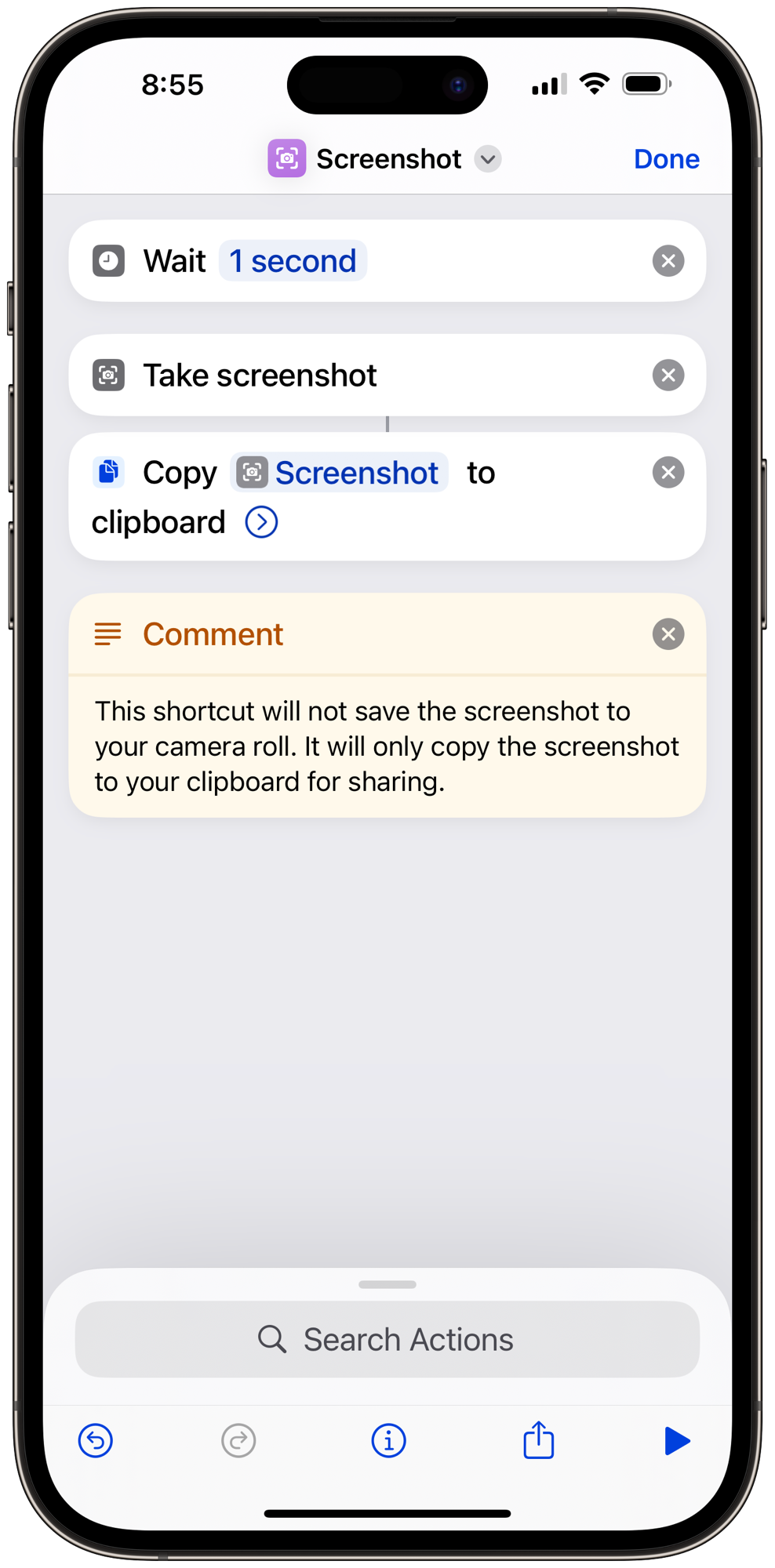
Waiting one second lets me go from the button to the screen I want to capture. It sometimes leaves a little timer on the top but I think that’s fine.
Now, I get that taking a screenshot on an iPhone isn’t that annoying, but it’s definitely more annoying on iPad, because the volume and power buttons are on the same side. There’s the swipe-from-left-corner shortcut, but it’s an invisible feature that I usually forget exists. So now on iPad, all I have to do is swipe down from the corner and tap the screenshot button.
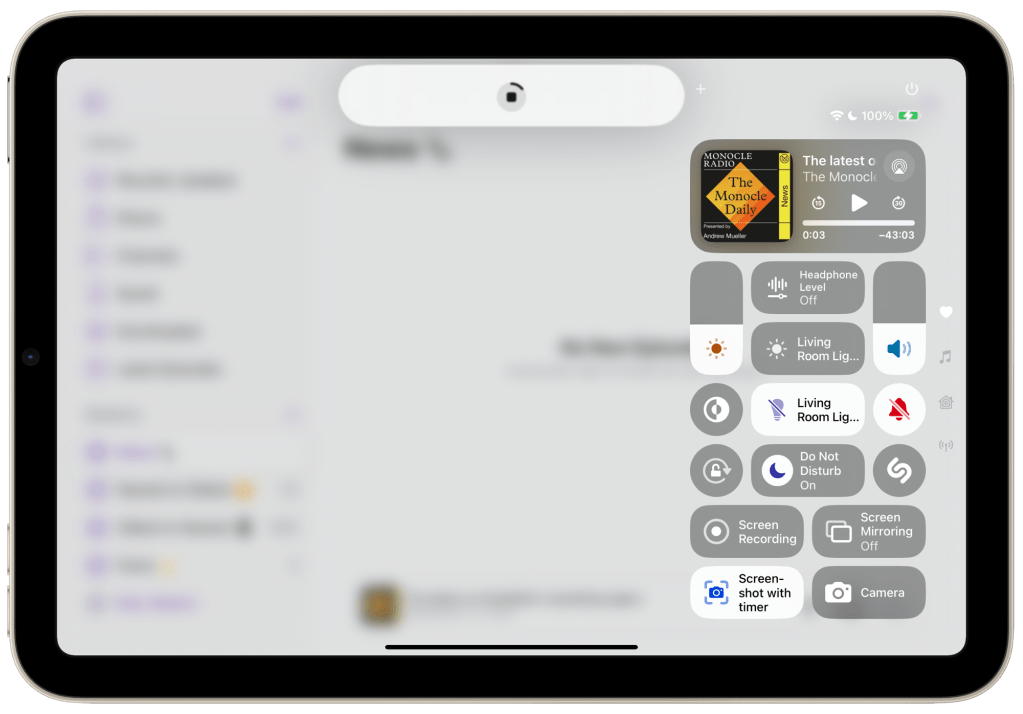
If you’d like this shortcut, download it from iCloud here ⬇️

Leave a comment