
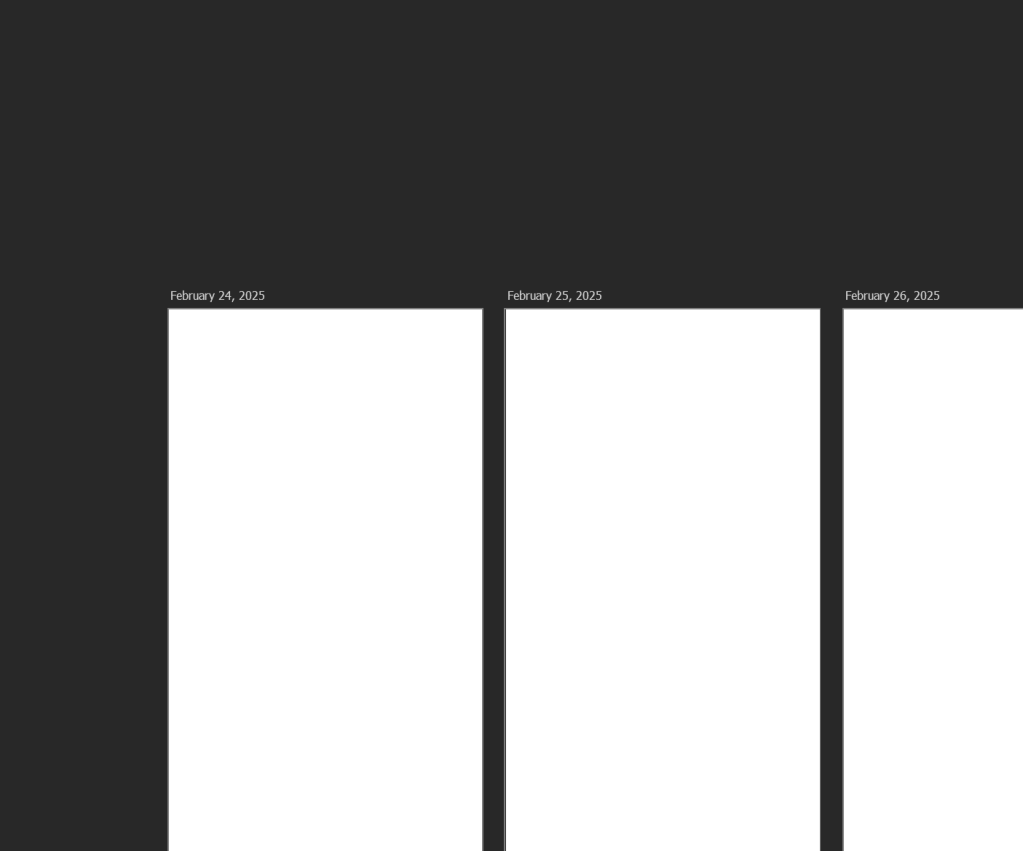
I create my daily wallpapers in Photoshop. I name the layer the date, so that on export I don’t have to rename it. I’ve manually updated the date for a month, and I don’t want to do it anymore.
So I figured out a way to automatically update every layer with incrementing dates.
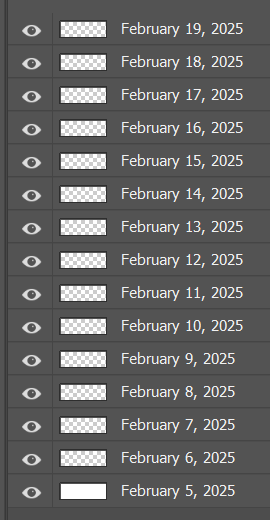
Using this script, select any date you wish. The script will then rename every layer in reverse order (bottom to top). The script uses the current date first, followed by the next day. This continues until every layer has a new day named.
If you think this would be useful for you, copy this code and save it as a javascript file.
function renameLayersWithDates() {
    var doc = app.activeDocument;
    var layers = doc.layers;

    // Prompt user for start date
    var startDateStr = prompt("Enter the starting date (YYYY-MM-DD):", "2025-02-24");
    if (!startDateStr) return; // Exit if user cancels

    // Manually parse YYYY-MM-DD to ensure correct date interpretation
    var dateParts = startDateStr.split("-");
    if (dateParts.length !== 3) {
        alert("Invalid date format. Please use YYYY-MM-DD.");
        return;
    }

    var startYear = parseInt(dateParts[0], 10);
    var startMonth = parseInt(dateParts[1], 10) - 1; // Months are 0-based in JS
    var startDay = parseInt(dateParts[2], 10);
    var startDate = new Date(startYear, startMonth, startDay);

    if (isNaN(startDate.getTime())) {
        alert("Invalid date. Please enter a real date in YYYY-MM-DD format.");
        return;
    }

    var monthNames = [
        "January", "February", "March", "April", "May", "June",
        "July", "August", "September", "October", "November", "December"
    ];

    // Rename layers in reverse order
    for (var i = layers.length - 1, count = 0; i >= 0; i--, count++) {
        var newDate = new Date(startDate);
        newDate.setDate(startDate.getDate() + count);

        var formattedDate = monthNames[newDate.getMonth()] + " " + newDate.getDate() + ", " + newDate.getFullYear();
        layers[i].name = formattedDate;
    }
}

// Run the function
renameLayersWithDates();

Leave a comment