
Home Screen
I change my home screen all the time, so this is really just a snapshot in time.
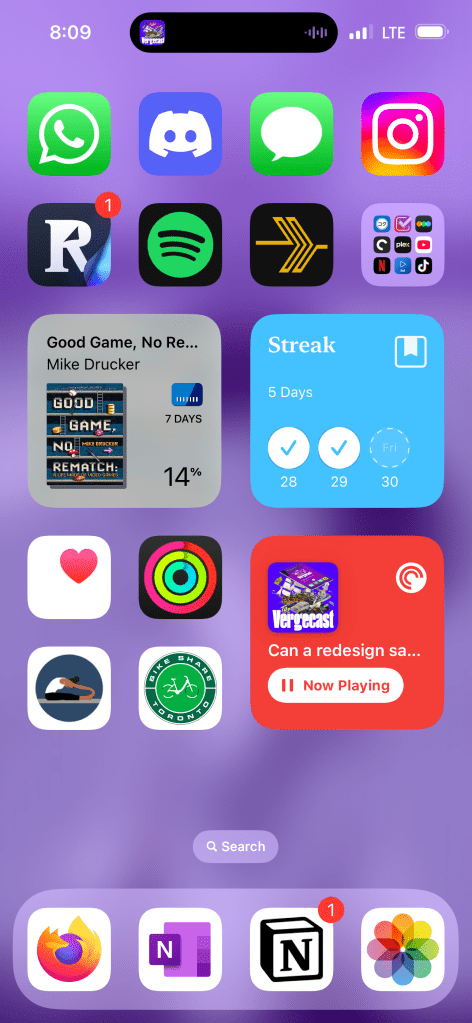
Top row: chat apps. You know these.
Second row: readwise reader, Spotify, plex amp, and a folder with all the video apps, and tv/movie tracker apps.
Next row: the Libby widget and the Day One streak widget.
Last row: four health apps, then the pocket cast widget.
Using shortcuts to help with reading
Sometimes it takes a while to find just the right combination of software to make you feel a little better. That’s a pretty cyberpunky way of starting, but it can be true.
So, for the most part if headphones are on, I’m listening to podcasts. They’re my audio companion for walking around, cycling, doing chores, and often working.
If I’m reading something, though, I have to pause the podcast. I don’t know how people do it, but I can’t be listening to a conversation and also reading something else at the same time.
But I also don’t like reading in silence. A little background music is nice. Personally, I like a little lofi hip hop.
If I open an app to purposefully read something, I have to do the following: pause the podcast, obviously. Then, I open a music app to find a playlist that’ll work. This all takes thirty seconds to a minute. And what are computers if not tools to shave off thirty seconds to a minute?
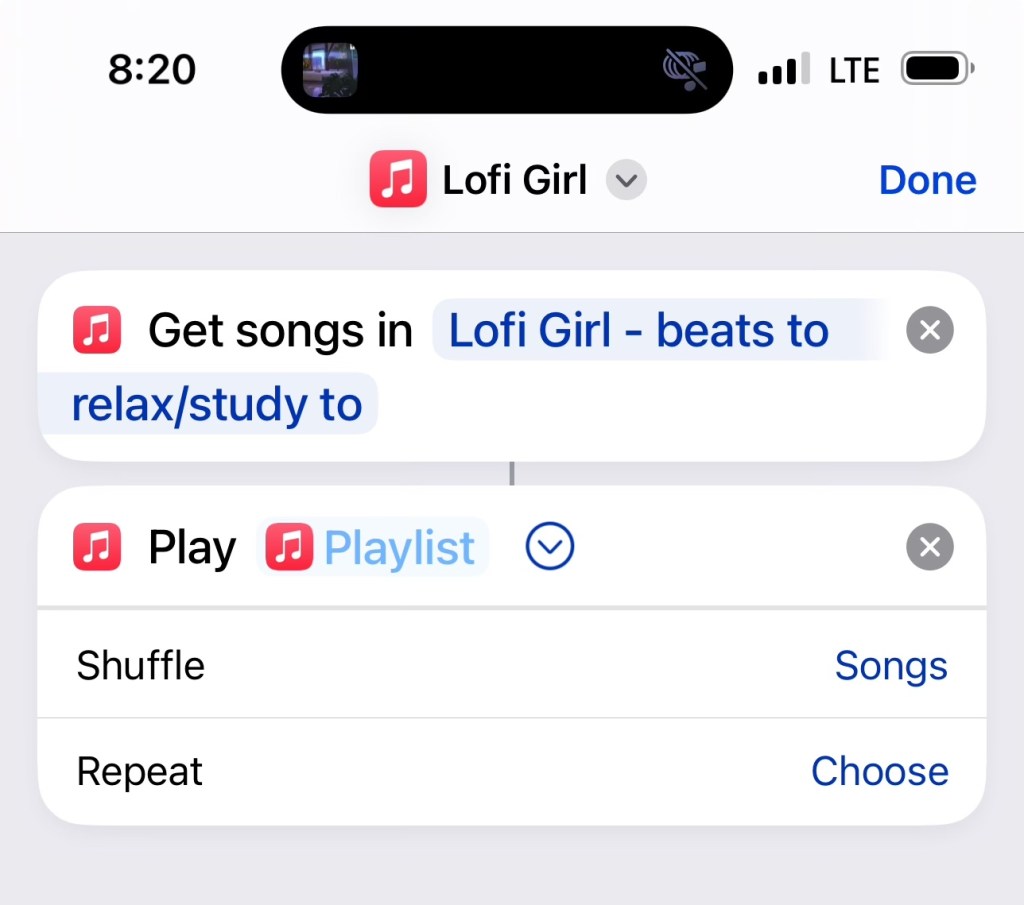
I build a two-step shortcut that shuffles tracks from Apple Music’s Lofi Girl playlist. I’d use Spotify but Spots doesn’t work with Apple’s shortcut system.
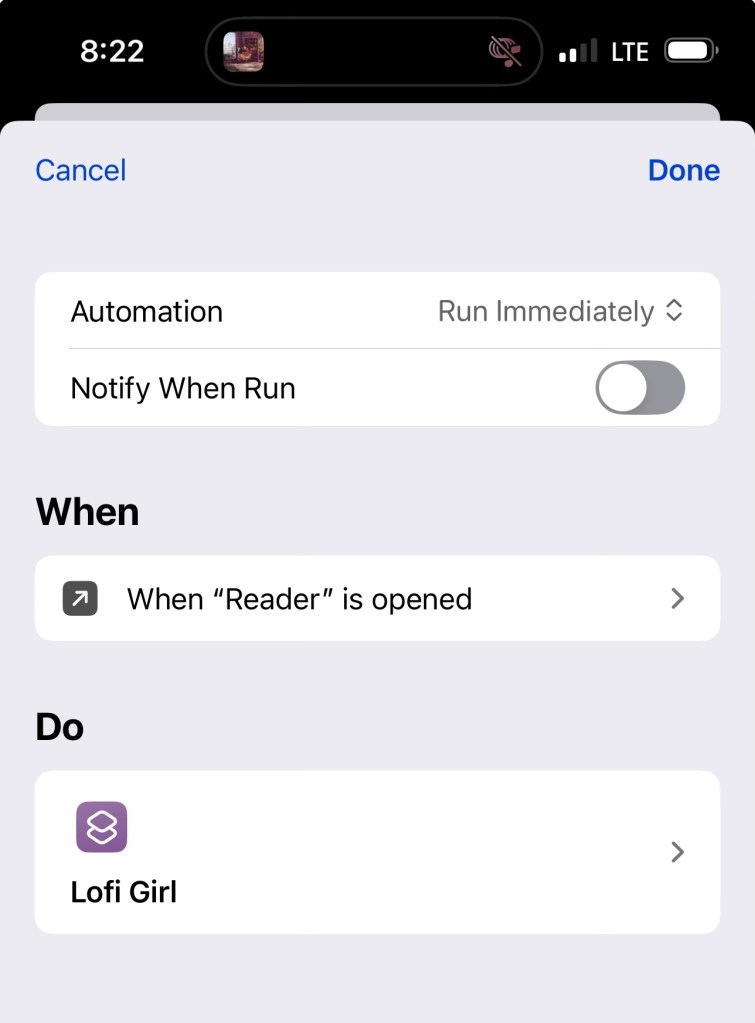
Then, I moved over to the automations part of the Shortcuts app. I set it to run the shortcut anytime I open the Readwise Reader (my news and articles app), and Libby (my library books app). Since those are the apps I use to read the most.
This is one of things that feels small but is noticeably nice. Those are my favourite kind of shortcuts.
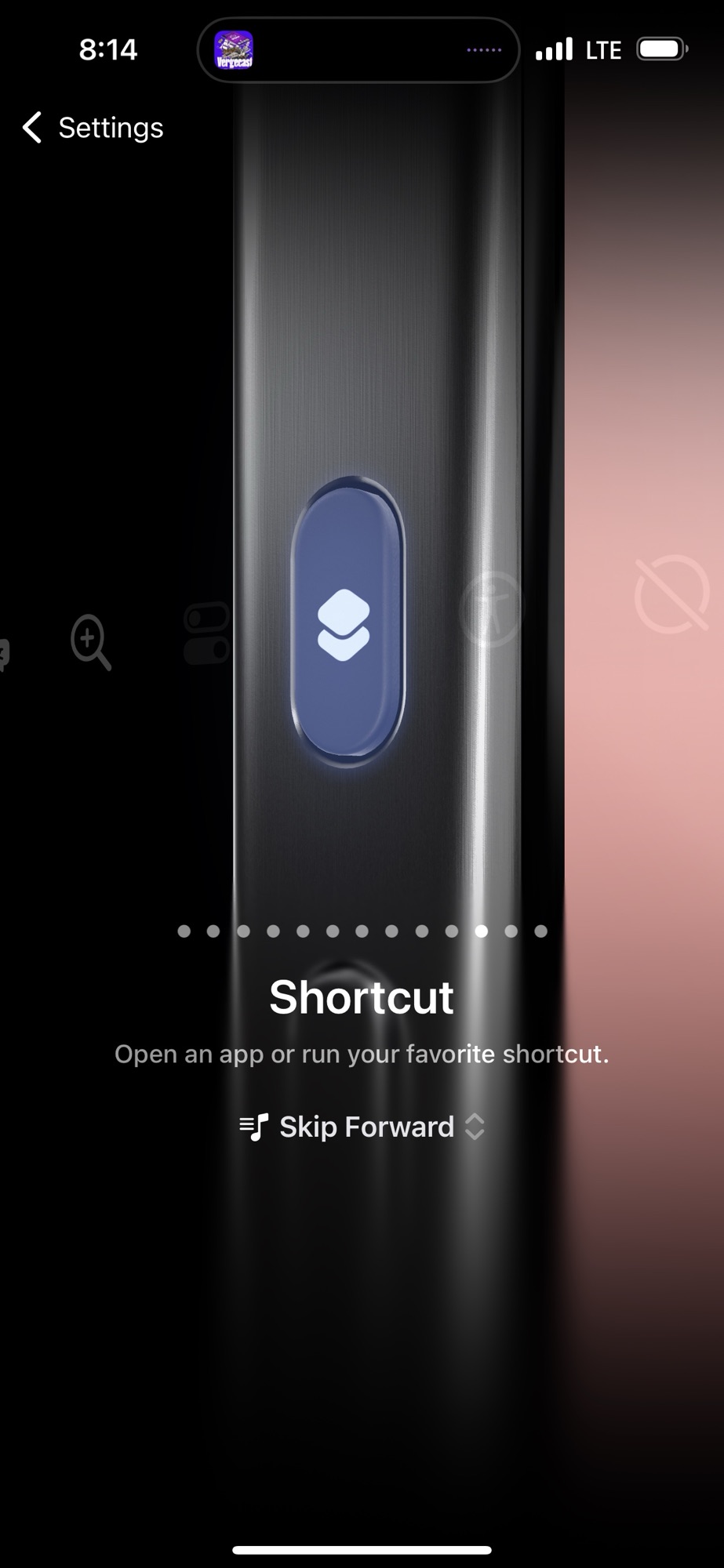
Action Button update
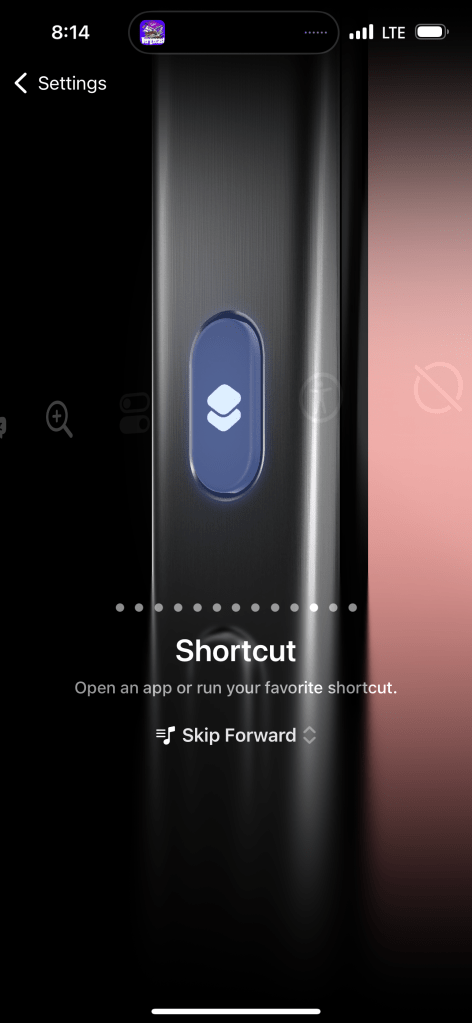
I’ve used the iPhone 15 Action Button for a couple of things, but none of them really stick. Opening an app feels like a waste of a button. There are like, eight ways to launch the camera on iPhone. And I’ve never loved the multitool approach, where the button launches an array of options. Too complicated.
Anyways, I found myself on Ali Express looking at hi-res audio players, and found myself mostly coveting their physical controls. The button I would hit the most on any old device was always “next track.”
So that’s what that button does now.
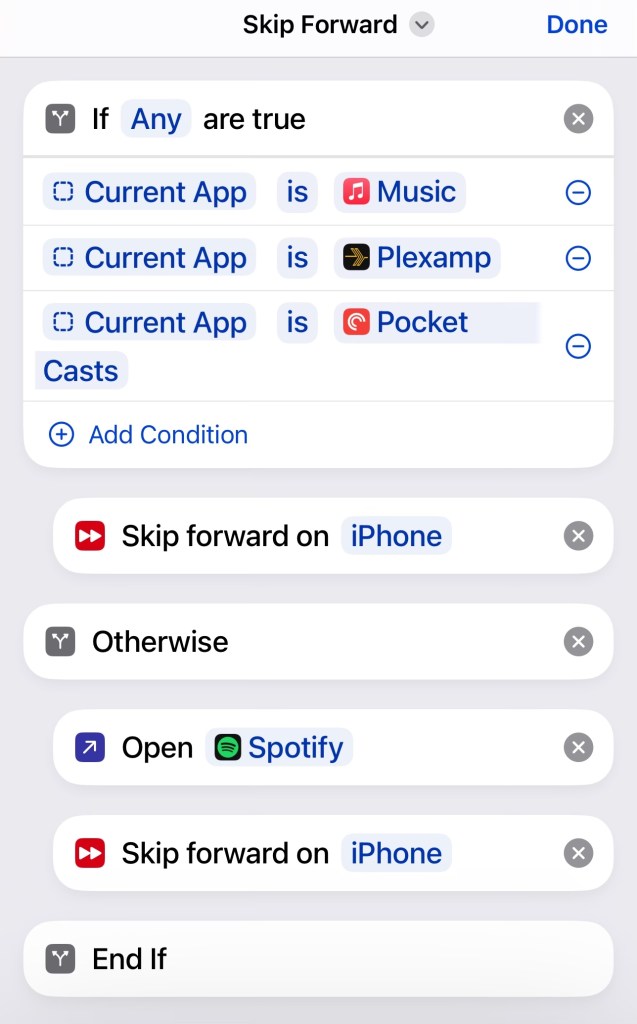
One problem with it is that Spotify won’t go to a next track unless the app is open, so I had to make an exception for it in the form of an if/then statement.
Thinking about replacing my iPhone and iPad with a secret third thing
My partner bought a Samsung Fold a few months ago, which seems to successfully combine a phone and a small tablet into one nice thing. Considering my portable computer life is literally a phone and a small tablet (the 2021 iPad mini), this lifestyle choice seems very attractive.
My iPhone isn’t even two years old yet, so that shift will happen in a few years, but it’s something I’m thinking about.
Now, I just wrote a whole blog post about things I can do on iOS and WatchOS that I couldn’t do on competing devices. But there’s also things I can do on other devices I can’t do on Apple products. Trying new things is fun.

Leave a comment