
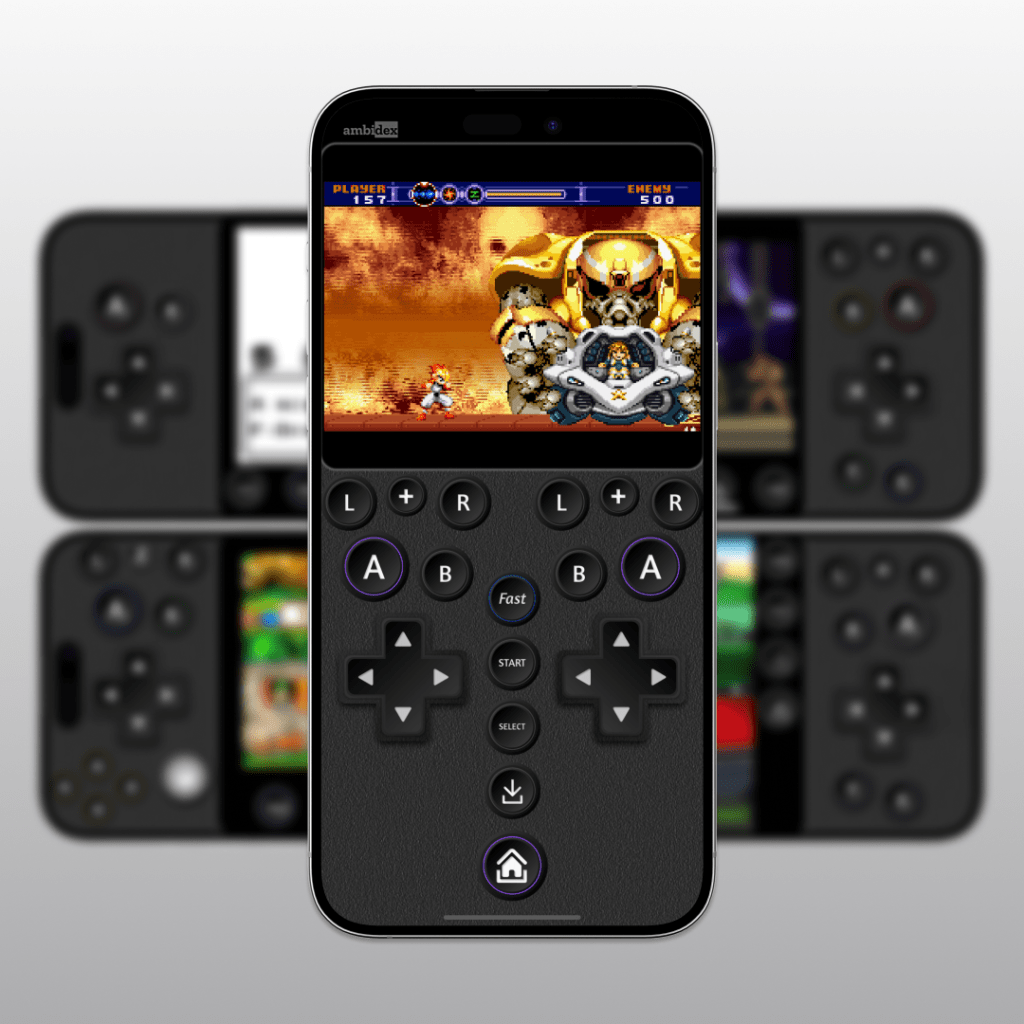
The development of Ambidex involved extensive iteration across multiple console layouts. I used Figma for UI/UX design and used Visual Studio Code to edit JavaScript for button mapping.
You can purchase and download these controllers at Etsy or Gumroad
For more, read “Thoughts on Designing Ambidex“
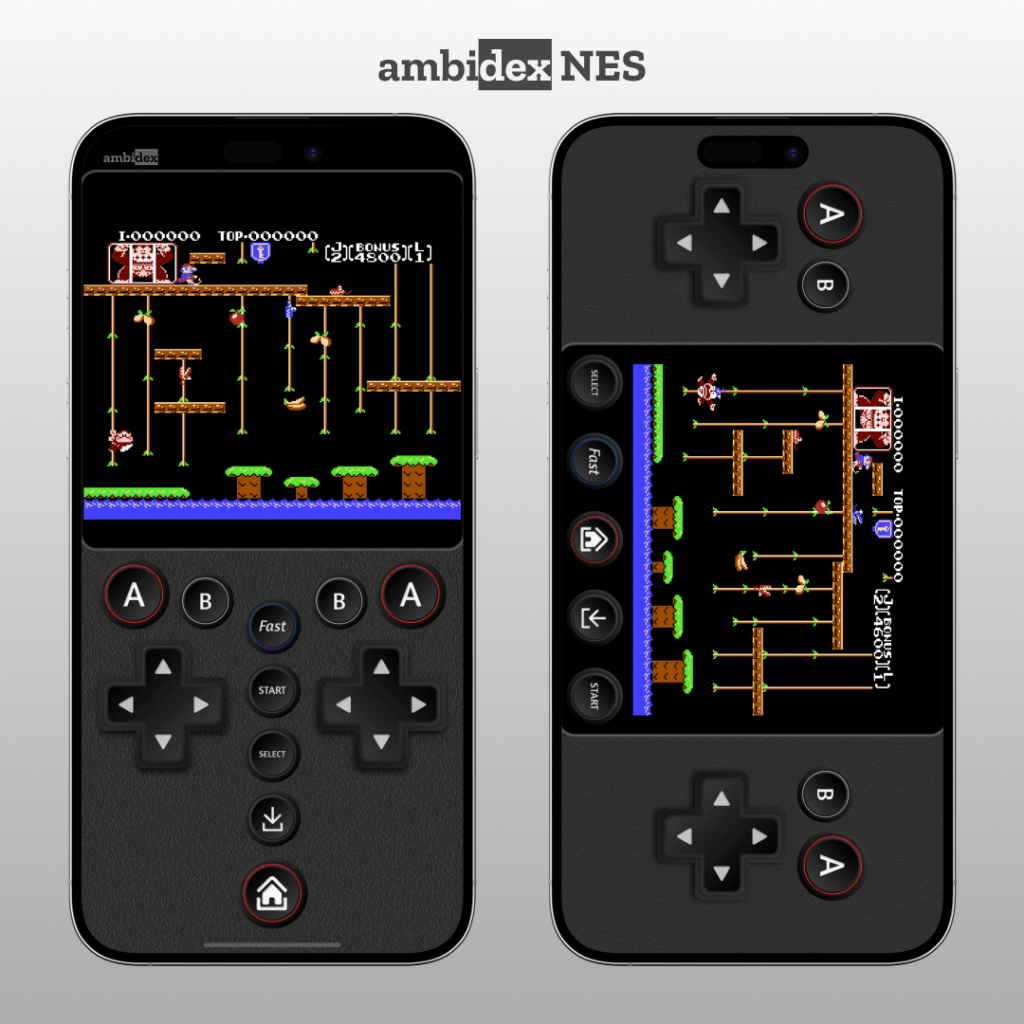
NES Layout – The foundation of this design began here. It took over 20 iterations to get the feel just right. Your thumb should comfortably rest on the A button while maintaining easy access to other inputs.
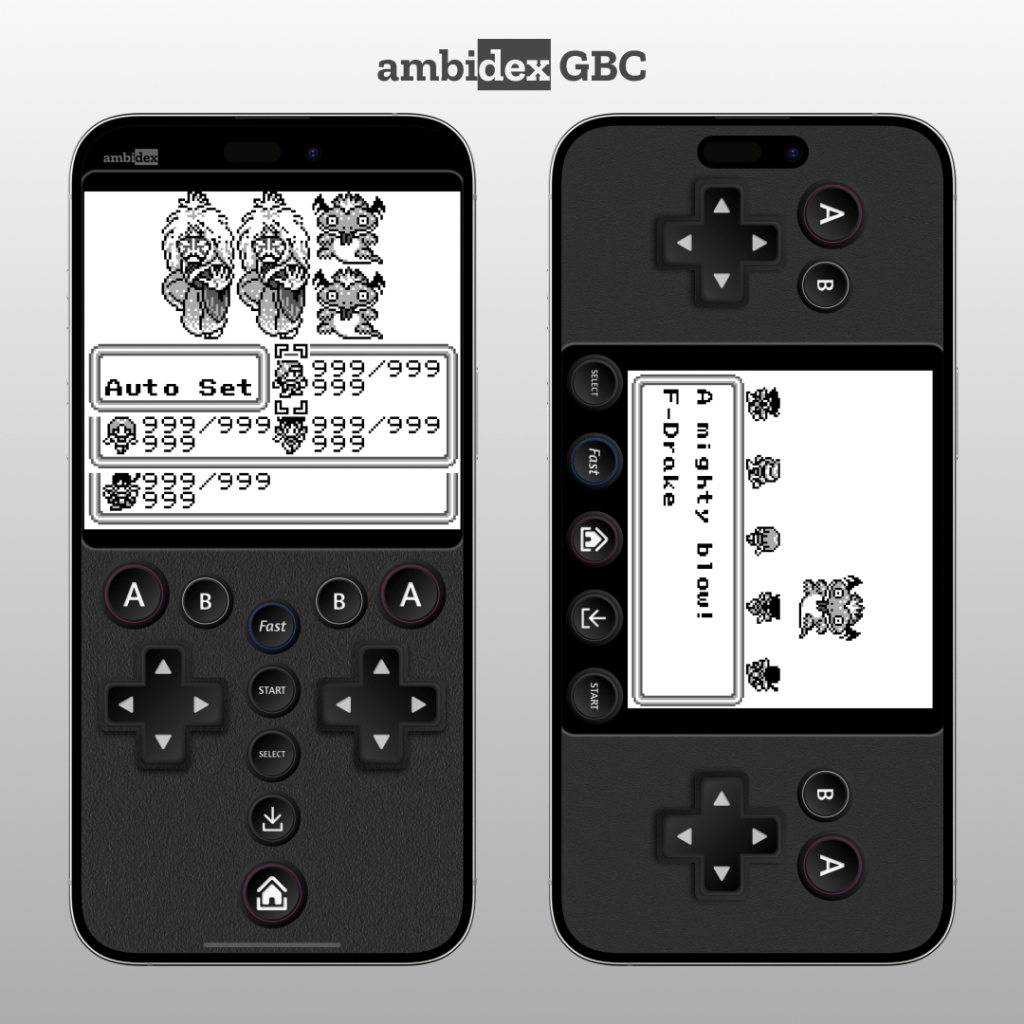
Game Boy Color Layout – Identical to the NES layout with minor colour adjustments. Specific buttons were optimized for common emulator functions like fast-forwarding, frequently used in RPGs.
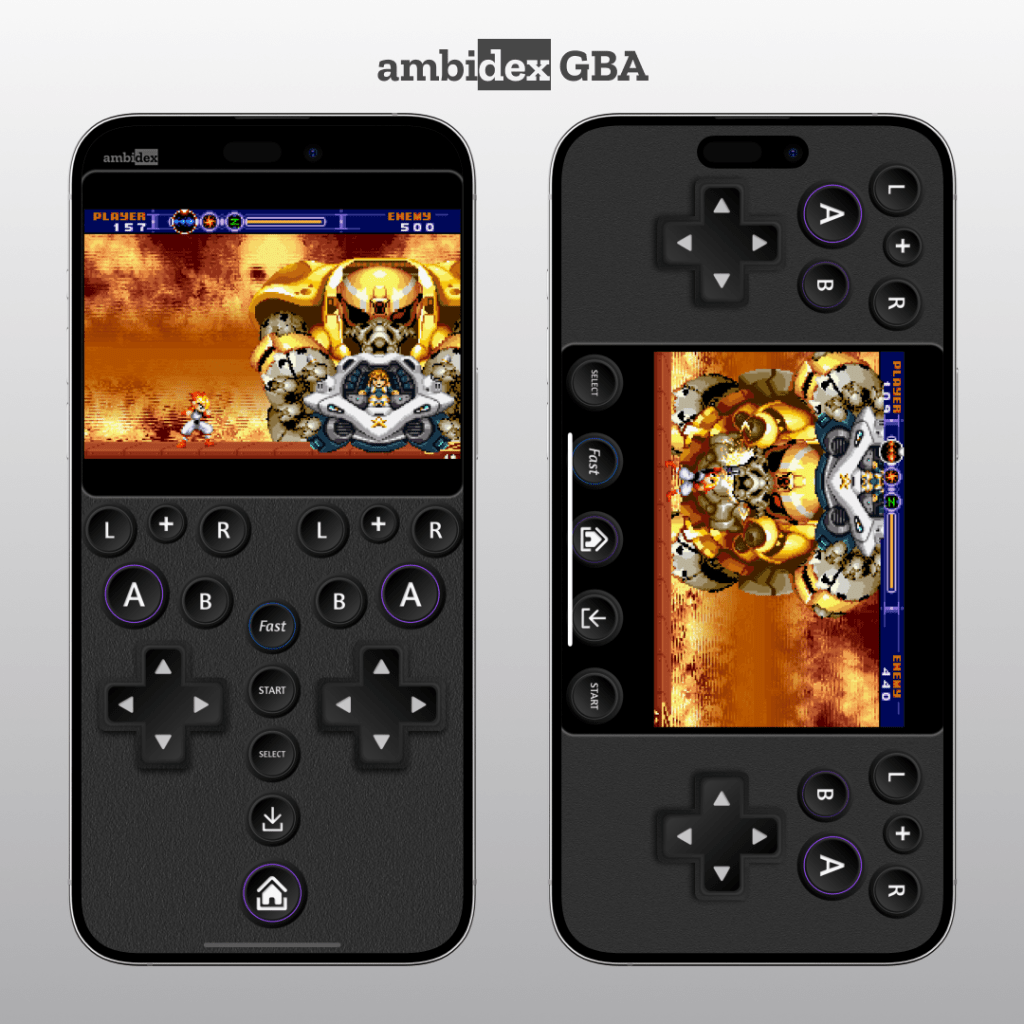
Game Boy Advance Layout – Featuring an L+R button row and an L+R combo button, helping with gameplay for titles requiring simultaneous shoulder button inputs, like running away in Final Fantasy.
Super Nintendo Layout – Maintained a consistent button arrangement with other Ambidex controllers. The placement of Y and X below the D-pad was a deliberate trade-off, prioritizing general usability over specific game genres.

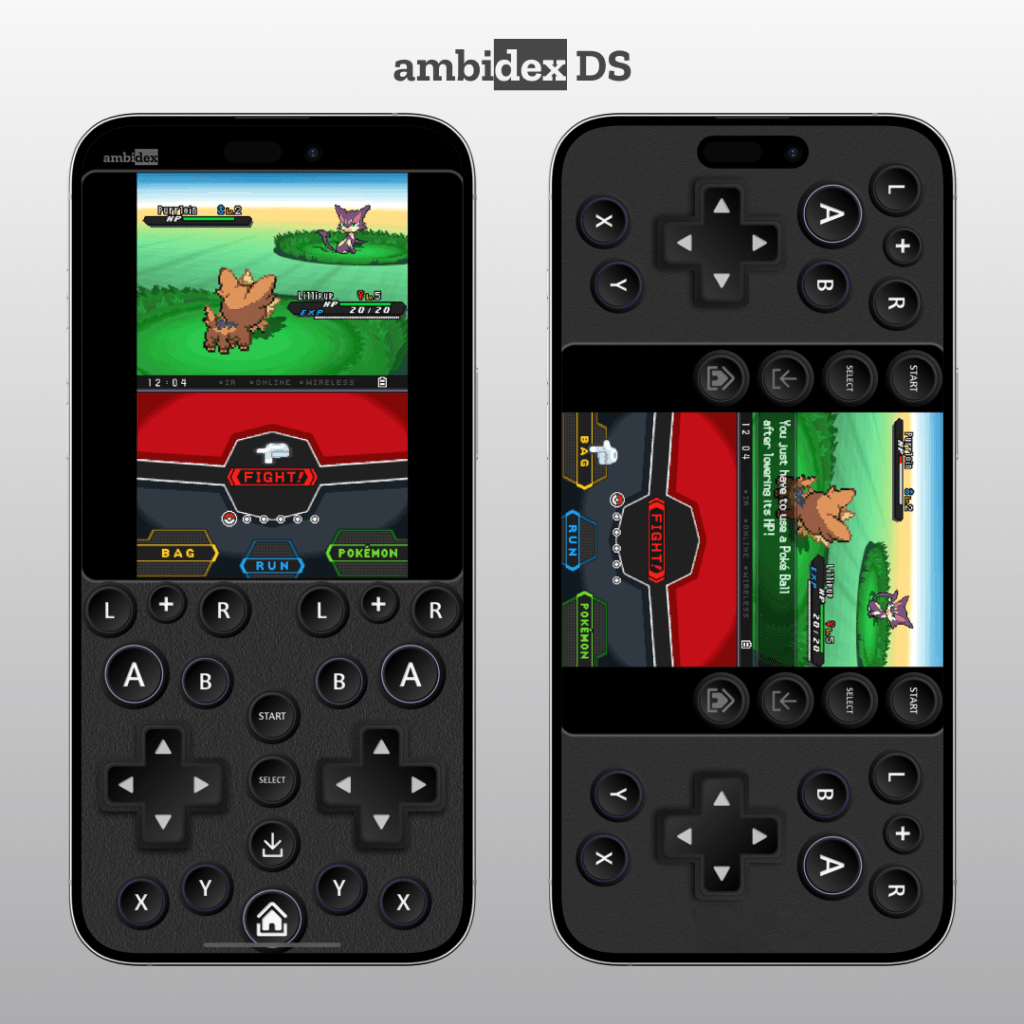
Nintendo DS Layout – Accomodated the second screen while maintaining button size, if not exact placement. This controller is great for RPGs that require more button presses than use of the bottom touch screen.
N64 Layout – The most complex controller in the series, requiring extensive refinement due to the inherent challenges of emulating an N64 controller. The floating analog stick design ensures precise control without interfering with surrounding buttons.

Technical Considerations & Usability Enhancements

- Consistent layout across most consoles – Keeping button placement uniform across NES, GBC, SNES, and GBA reduces learning curves when switching consoles.
- Landscape Mode Adaptation – Ambidex supports landscape orientation by moving the middle coloumn to beneath the screen.
- Reverse Control Mode – Inspired by the Virtual Boy’s symmetrical design, allowing players to switch between right-handed and left-handed control dynamically.
- Optimized for Delta’s Most Popular Emulators – Special attention was given to Game Boy Advance and N64 layouts, ensuring they accommodate a wide range of games effectively.

Leave a comment