
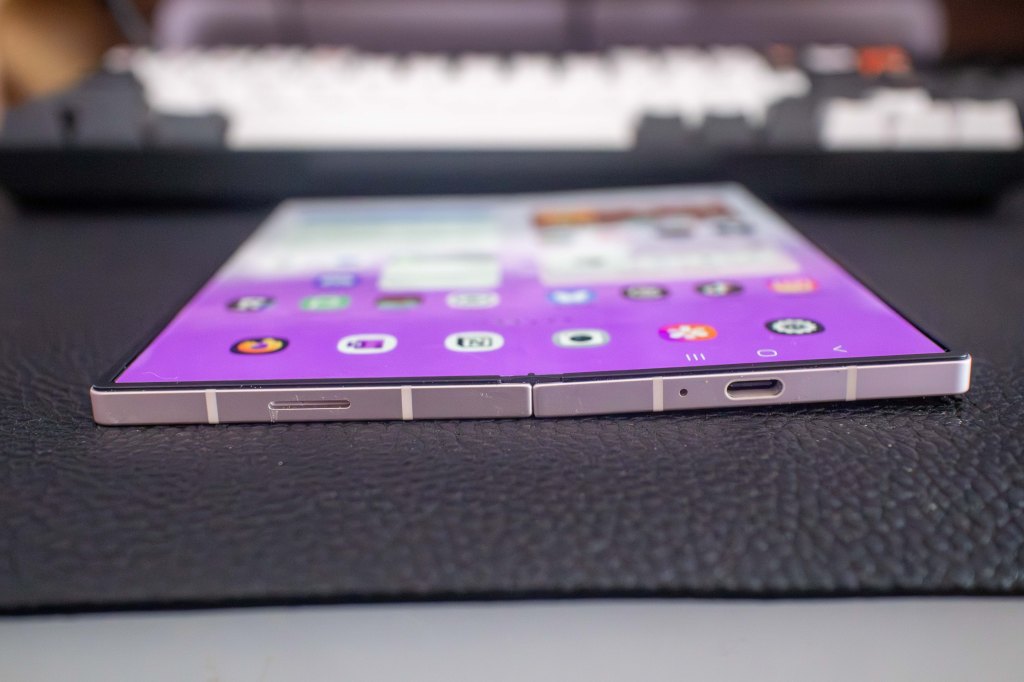
The General Situation
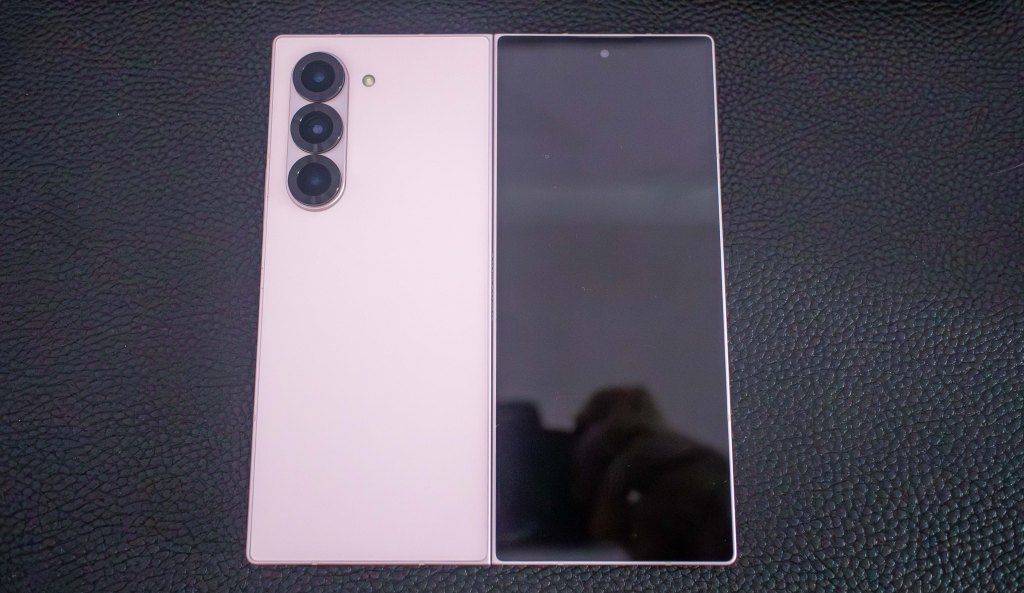
- I picked up a used Samsung Galaxy Fold 6 for $1080 CA in September 2025. The device retailed for $2500 CA just a few weeks prior, and then was replaced by the Fold 7 for the same price.
- I swapped my iPhone 15 Pro Max for this device.
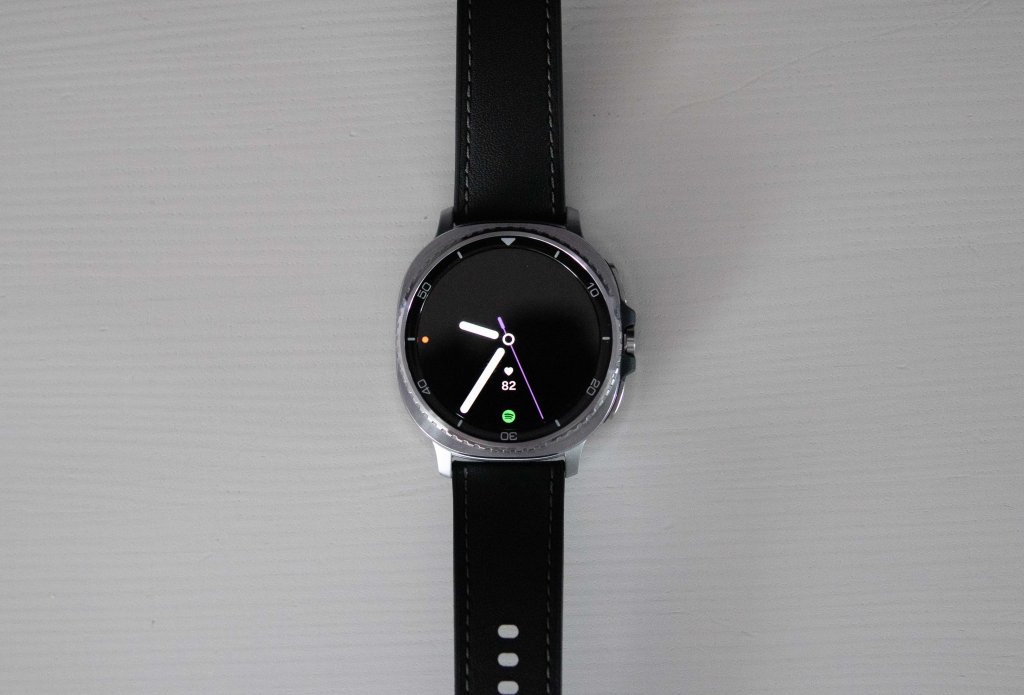
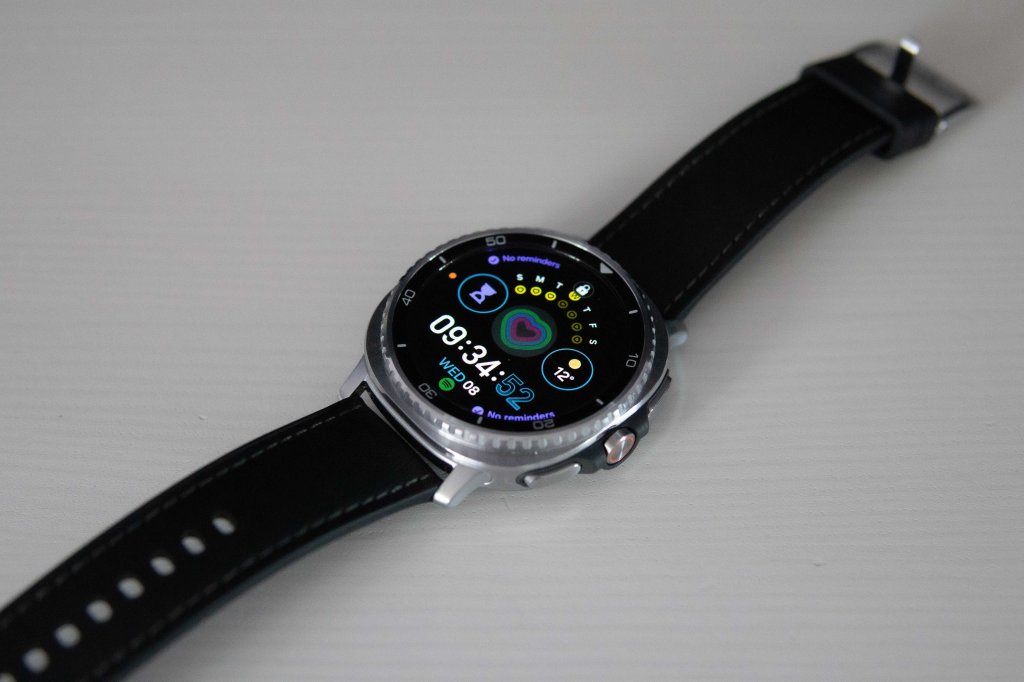
- I swapped my Apple Watch 9 for a Samsung Watch8 Classic.
Cases
- I was at the Samsung store buying the Galaxy Classic 8. When I mentioned which phone I’d just picked up, the sales rep asked why I hadn’t picked up a 7, since it’s “much better.” I told him I got a 6 for $1000, and the 7 retails for $2500, and doesn’t have pen support. He said the first point made sense, but hadn’t heard many people say they wanted or needed the pen.
- Samsung’s official cases are all sold out and unavailable. All of them also lack hinge protection of any kind.
- Finding the right case is proving difficult. There are lots of different types. I was hoping to find one with the following features:
- A protective aspect for the hinge, since that’s the weak point of the phone
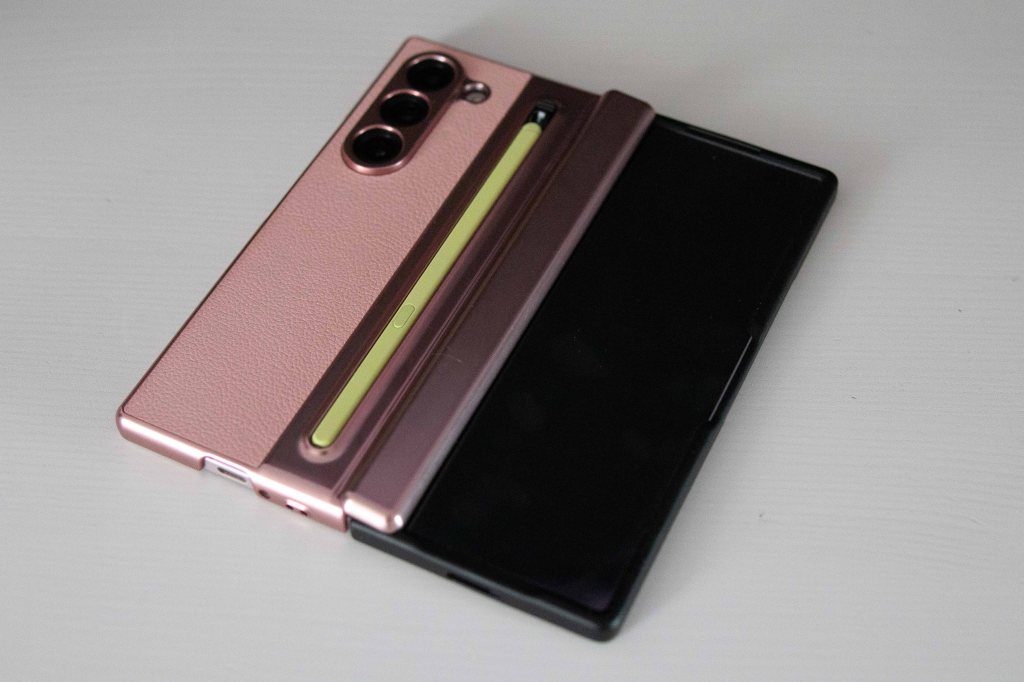
- A place for the pen to live
- Some kind of grip or at least a grippy feel
- A kickstand
- I wouldn’t necessarily look for all these features on a regular phone case. It’s overkill. But the Fold isn’t just a phone, it’s also a tablet. And every case for a tablet has a kickstand of some kind. An all-in-one device somewhat begs for all-in-one features.
- So far, I’ve found cases with good kickstands, and cases with a good spot for the pen, but not both.
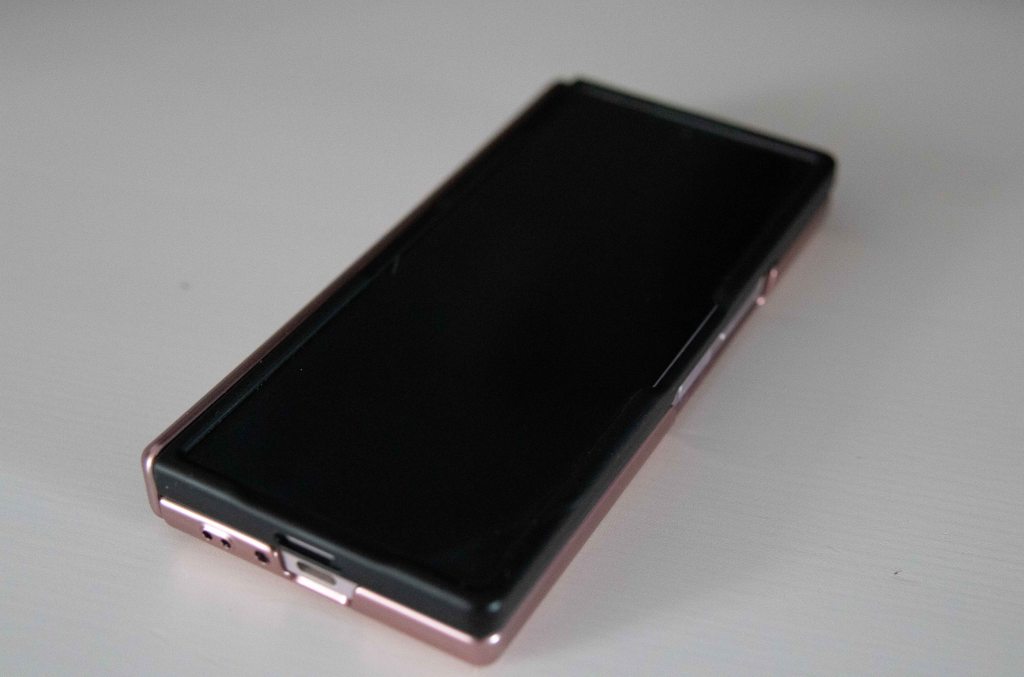
- The case that came with the phone has a nice grip and a good little kickstand, but no pen spot. I also can’t seem to find where this case came from, even though it’s cute.
- You can mix and match case components. The front case doesn’t have to match the back case. They’re separate pieces. Right now, I’m using the grippier front case that came with the phone and a case on the back with a pen slot.
S Pen
- Finding a pen was difficult. The first two I ordered from Ali Express were fake products that didn’t work as advertised. The third worked great. The Samsung store would not sell me a pen for last year’s Fold.
- The official Samsung store is crystal clear about its current products, but last years’ models have broken links and “sold out” listings for just about everything already. Real fast turnaround over there.
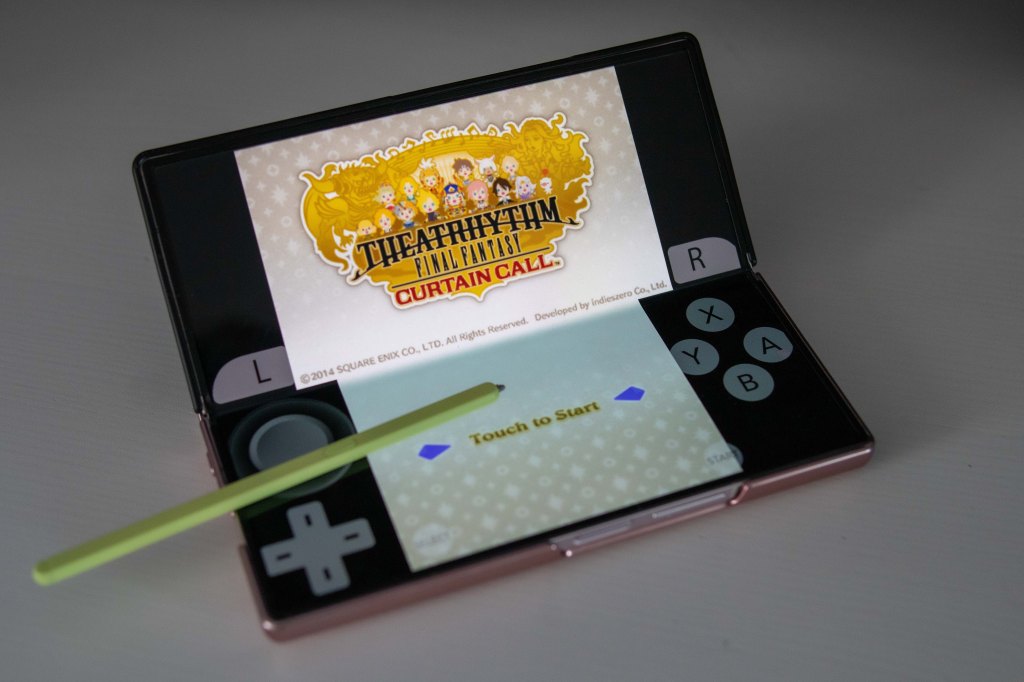
- The S Pen for the Fold is smaller than an Apple Pencil by a large margin, and feels much more like a 3DS stylus in how it works with the screen. I never loved how the Apple Pencil wrote, but I’m enjoying handwriting with the S Pen so far.
- Laying back on the couch and jumping around the phone with the pen feels awesome.
Front Screen
- I found the iPhone Pro Max to be too big most of the time. In the hand, it felt too wide. The large screen meant I had to use two hands to use it for nearly any task. The Fold 6 has a thinner width, which makes one-handed use much easier.
- All front cases for the Fold have a protective screen. I’m too afraid to use this thing without a case, so I have no idea what the front screen actually feels like (probably…just like a phone, right?). The protective plastic that’s on every single case is less nice than touching glass, but I guess it’s okay.
- I’d say the front screen feels a bit like using an iPhone Mini. It’s nice. There’s nothing you can’t do with it. There’s 100% phone functionality.
- The aspect ratio is a bit on the tall side, so some apps might actually letterbox. Instagram is the worst culprit of this so far.
- The S Pen does not work on the front screen, only the inside tablet screen.
Inside Screen
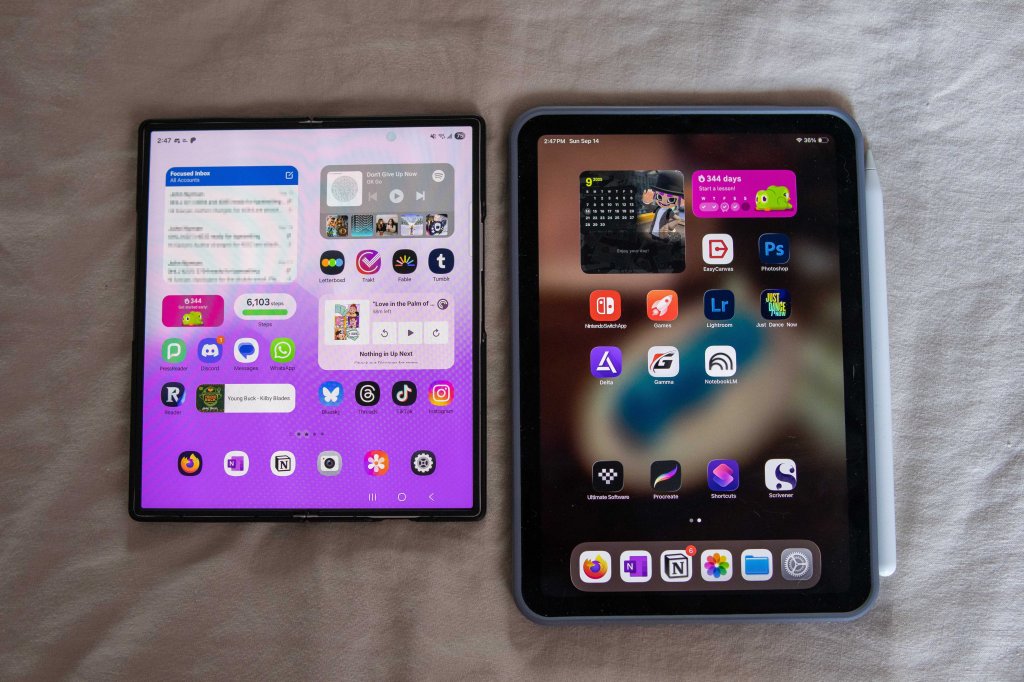
- Having what is just about an iPad Mini fit in your pocket is incredible. From reading full-size digital magazines, manga, and the web in general, it’s just kind of perfect.
- The “screen” of it does remind me of the 3DS touch screen a bit. It’s capacitive instead of resistive, but there is a tiny amount of flex and push to it.
- Because it’s kind of an iPad Mini, you can split-screen two-three apps at a time. It works a little faster than the iPad Mini’s multitasking setup, too. The little slide-over menu makes it a breeze.
- The aspect ratio is nearly 4:3, which makes it a perfect screen for pre-HD TV and games. It’s perfect for my Star Trek Voyager rewatch.
Android
- Coming from using Apple devices for the last decade, you’d think there would be a lot to get used to. There isn’t. The two OS’s have competed so closely in that time that there’s just about no learning cost. The most time-consuming part was just downloading and logging into apps.
- Just about every app works exactly the same on Android, but it’s also obvious that app devs still update iPhone apps more often, and therefore give them more polish. Readwise, Instagram, Letterboxd, Plex, and a few others feel a version or two behind. I’m only noticing because I just moved from an iPhone. In a few months, I’m guessing I won’t even think about it.
- There’s two areas where Android is just leaps and bounds over iOS: customization and emulation.
- iPhones got the ability to emulate some games last year. Delta and other emulators allow for systems up to the PSP to play well on iOS. But on android, you can emulate everything, from the Nintendo Switch to Windows itself. 3DS games are a real treat on the Galaxy Fold. The S Pen emulates the 3DS stylus feel perfectly.
- As for customization, I’ve changed the launcher to make the fold look and work like Windows Phone using Launcher 10. I was a Windows Phone user from 2012-2016, and feel like that start screen is still the best smartphone UI. Live Tiles are a brilliant mix of an app icon and a widget. Launcher 10 even lets you customize the tiles in ways Windows Phone never did, allowing for an unlimited combination of sizes and shapes.

Watch
- I used the phone without a watch for a week and realized, nah, I can’t live like this. I had gotten so used to using a computer watch I definitely missed it.
- Just like with iOS and android, there wasn’t much to learn with an android watch. Overall, it’s strange to say that both have become so similar to the other, it’s a bit silly to even have thoughts of which one is “better.”
- I mostly use the watch for timers and notifications, and tracking all the general health stuff for video game points. It’s nice getting a sleep score, and Samsung’s little animal metaphors are cute. I’m currently a deer.
- I bought the classic over the regular model because it looks just a little bit more like a regular watch than a fitness band. Having said that, I still prefer a digital face with some complications than any of the analog watch faces so far.
- There are a *lot* of watch faces in the store. Maybe I’ll have to make my own…
I’ll have more to say about both devices in an upcoming You Chose Poorly podcast.


Leave a reply to You Chose Poorly S05E03: Sawyer Leaves Apple – K Sawyer Paul Cancel reply