
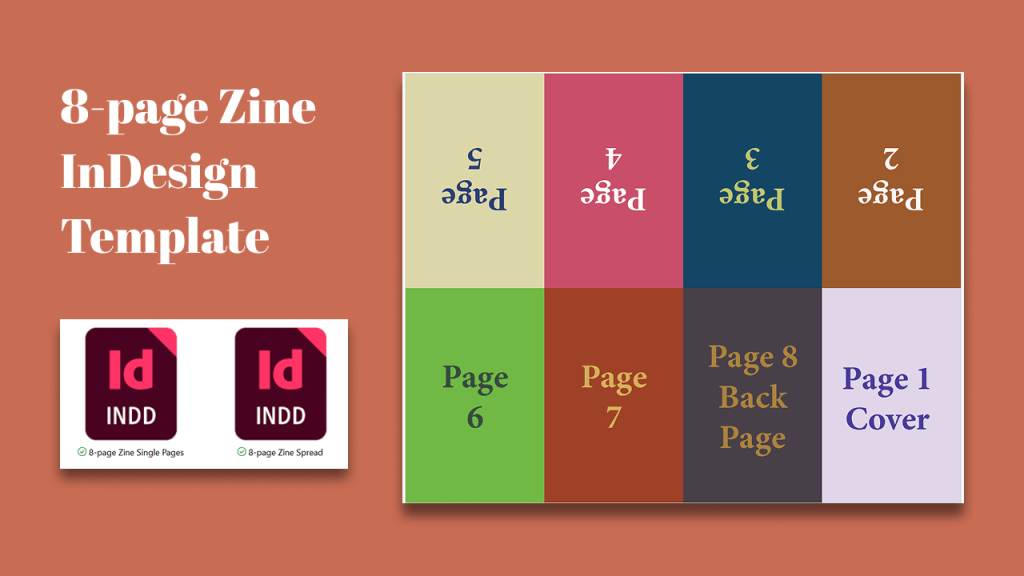
With InDesign, you can place so many types of files, but you can also import other InDesign files. This enables a really easy way to layout folded zines.
In one file, there must be eight small single pages. In the other is a spread with all eight pages linked and arranged for folding.
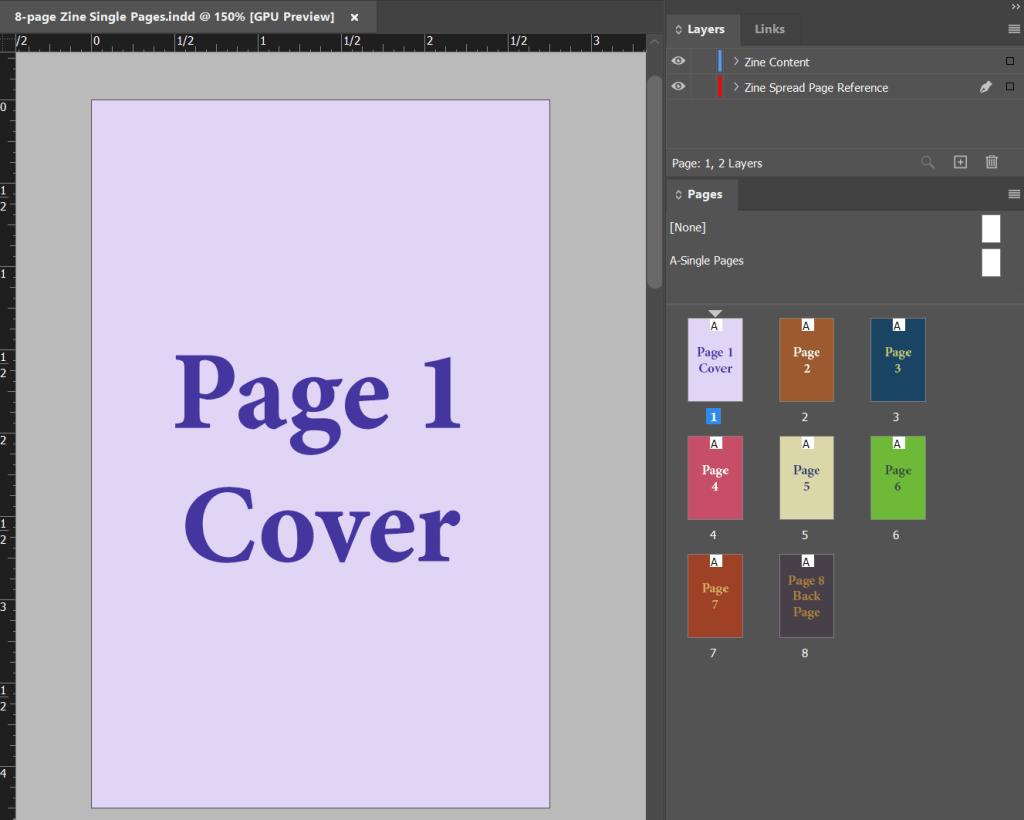
Design and lay out your zine in the Single Pages file.
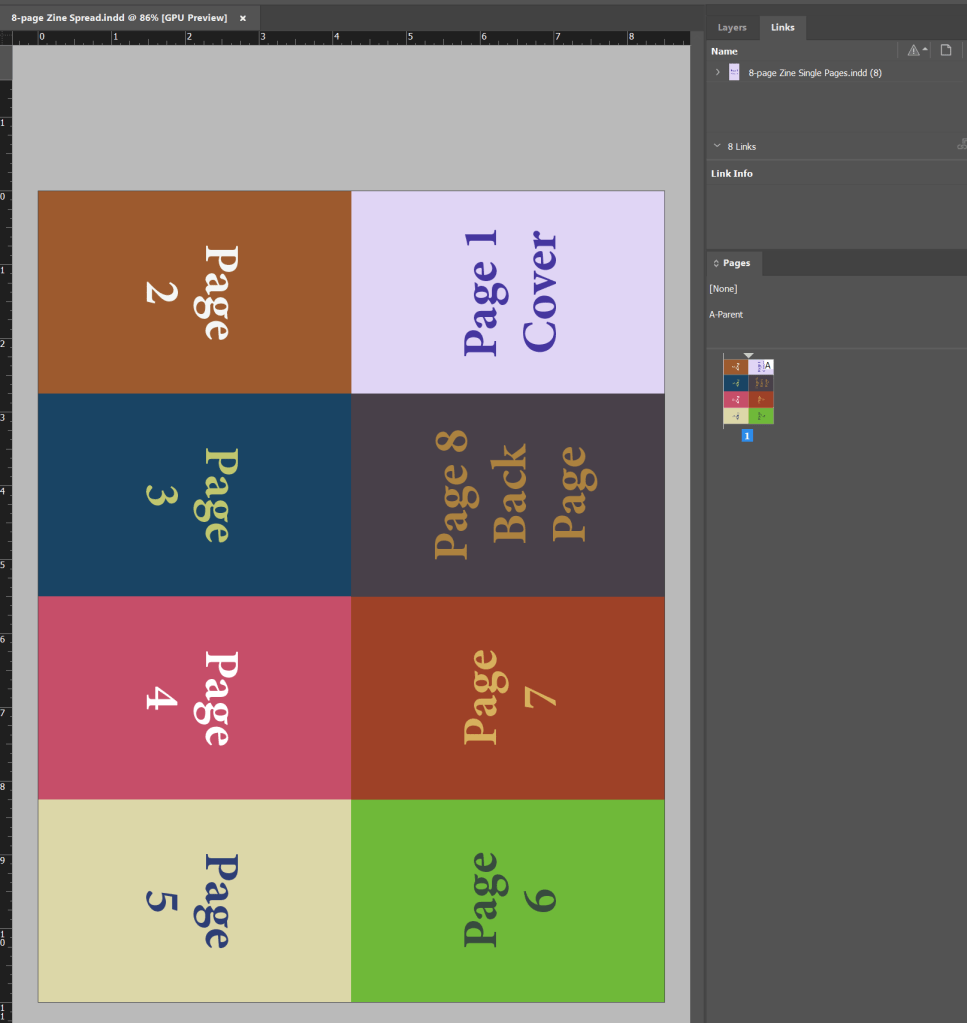
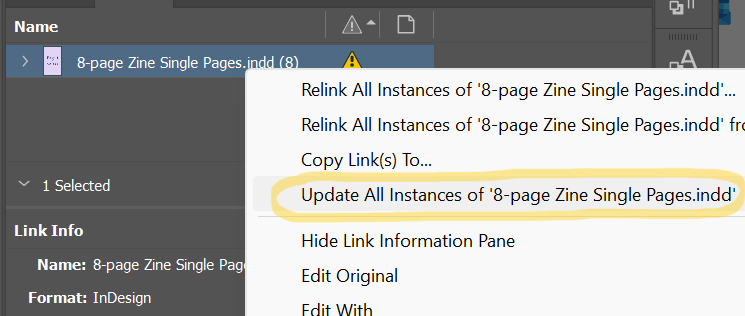
Then, create an 8.5×11″ page and place the single pages as links, and arrange them like the image here. If you use my template, all you need to do is update links. Finally, export it to PDF and, ideally, print.
From there, follow the instructions for folding and cutting your spread into a folded 8-page zine. There are endless tutorials online about this, but I like this one.
Bonus, you can simply export the Single Page PDF to make a document that’s really easy to read on phones.
This is pretty easy to make yourself in InDesign, or you can download my template for free on itch.

Leave a Reply